
Hidden Cameras for Elderly Care
Hidden cameras for elderly care let you check on aging parents or monitor in-home caregivers without being intrusive. The best options are simple to set up, record continuously or on motion, and blend into normal household items so they don't feel like surveillance.
Why Family Caregivers Turn to Hidden Monitoring
When your parent starts needing help at home, you want to make sure they're getting good care - whether that's from a hired caregiver or just checking that they're safe when living alone. You're not trying to spy on anyone, but you need peace of mind that everything is okay when you can't be there.
I started looking into these when my mom began having a caregiver come three days a week. She insisted everything was fine, but I wanted to see for myself without making her feel like I didn't trust her judgment. Hidden cameras let me check in without turning her home into what felt like a surveillance center.
Top Hidden Cameras for Elderly Care
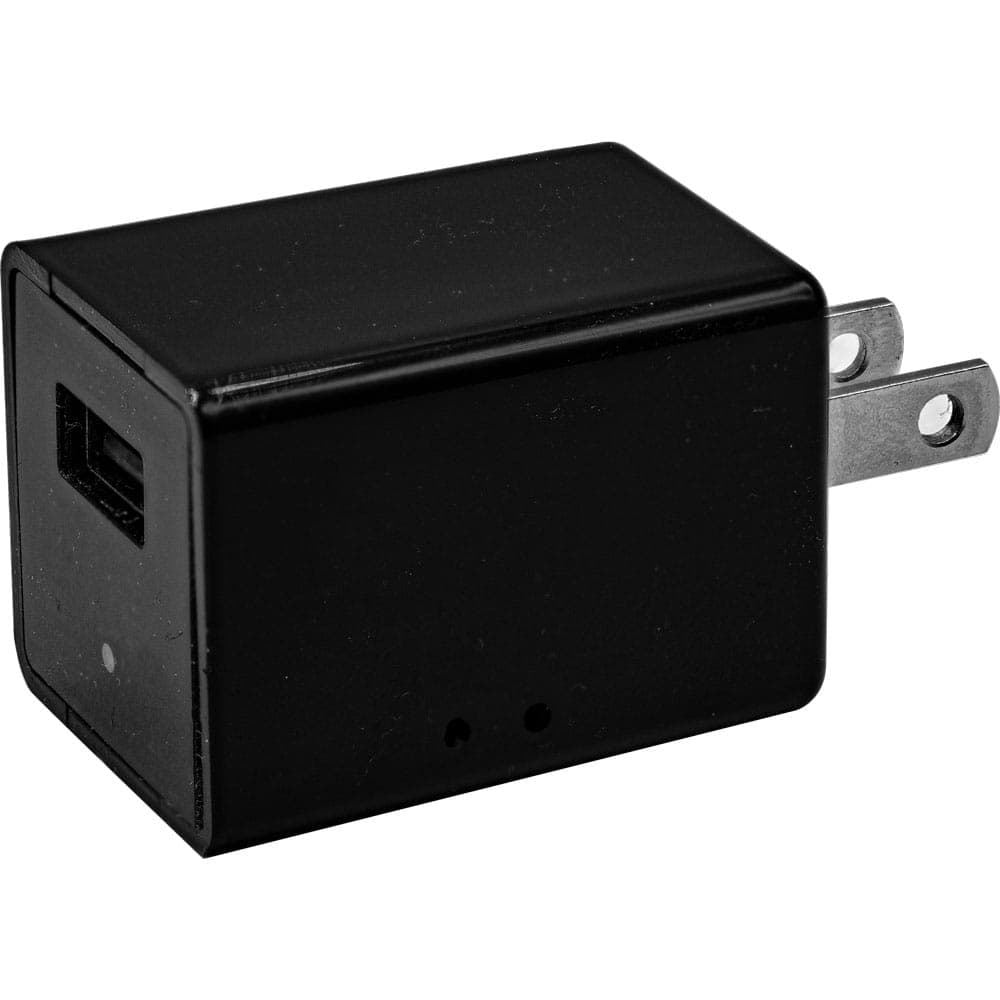
USB Charger Hidden Spy Camera with Built-In DVR
Price: $42.45
Perfect for common areas like living rooms or kitchens where your parent spends most of their time. Plugs into any outlet and looks completely normal. Motion detection means you only get footage when something's happening.
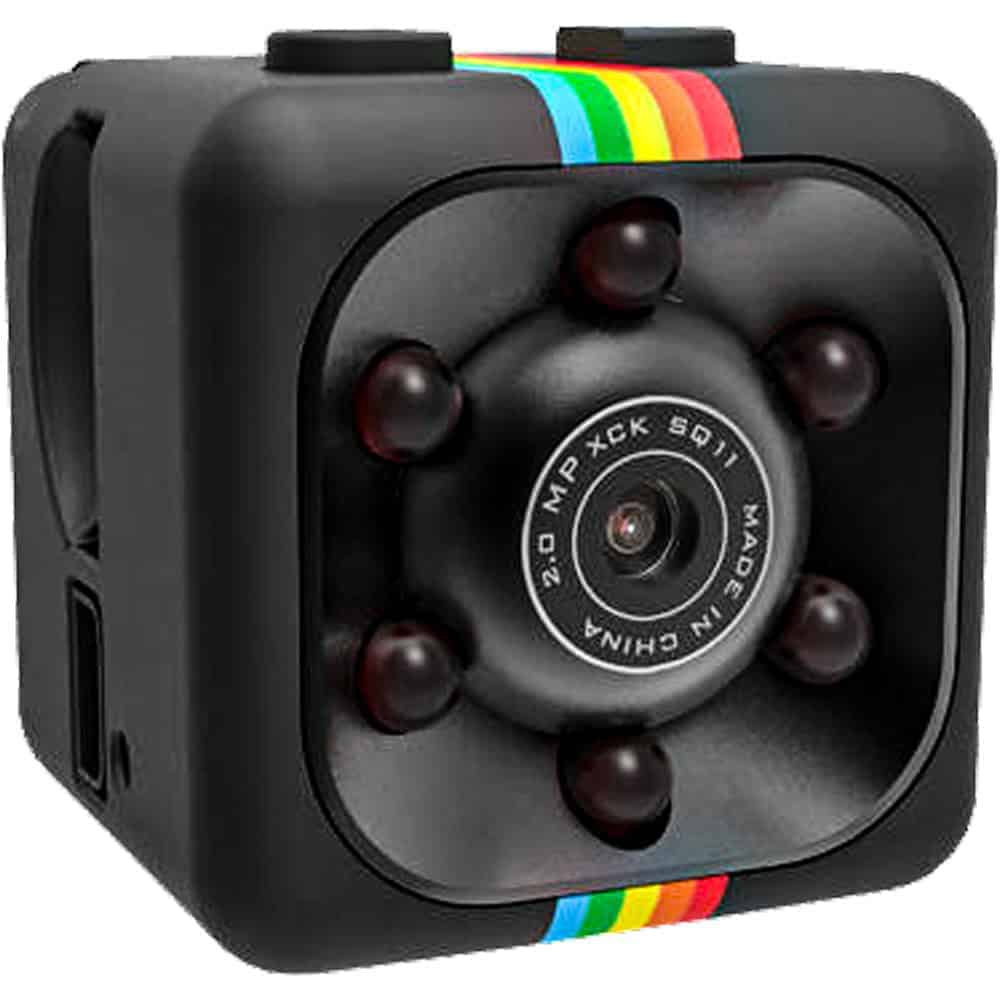
Mini Hidden Spy Camera with Built-In DVR
Price: $25.46
Tiny cube camera that can sit on a shelf or mount to a wall. Motion-activated recording saves battery and storage space. At 1" square, it's easily hidden among books, picture frames, or decorations.
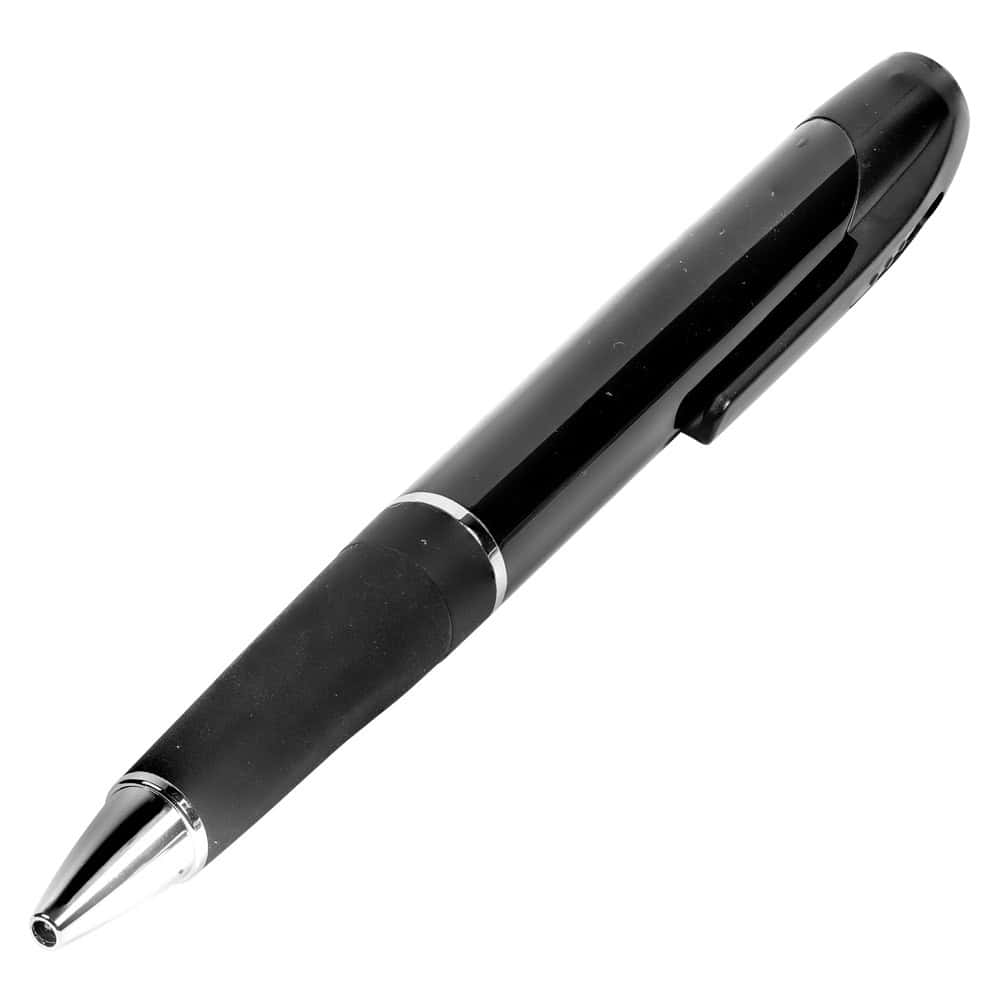
HD Pen Hidden Camera with Built-In DVR
Price: $42.46
Great for checking on specific interactions - you can place it on a desk or table where conversations happen. Looks like an ordinary pen, records up to 1.5 hours continuously. Easy to move between rooms as needed.
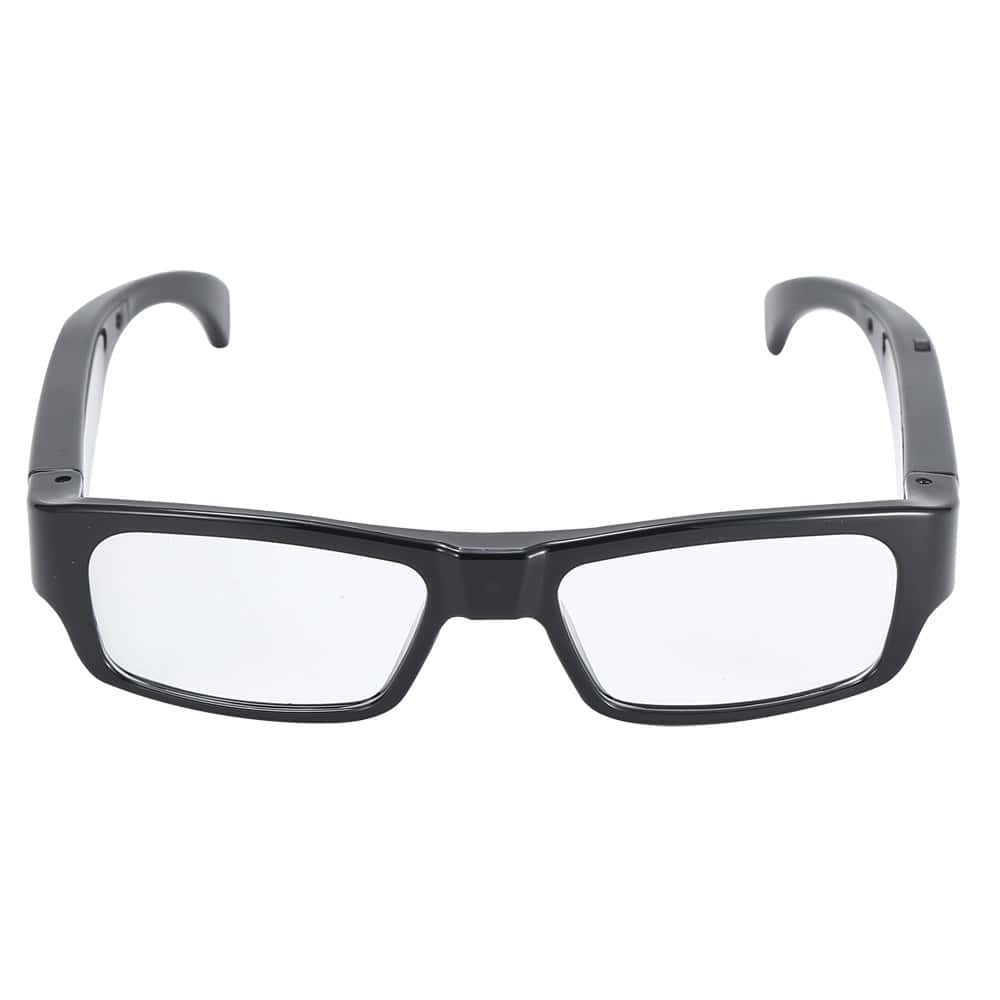
Eyeglasses Hidden Spy Camera with Built-In DVR
Price: $50.95
If you need to document something specific during a visit or meeting with caregivers, this gives you a first-person view of interactions. The glasses look normal and record what you're seeing in real time.
What to Look for in Hidden Cameras for Elderly Care
When choosing a hidden camera for elderly care, think about where you'll place it and how long you need it to record. The USB charger option works well because it's always powered and can record continuously in high-traffic areas. Motion-activated cameras like the mini cube save storage space and battery life - they only record when someone's moving around.
Storage capacity matters too. Most of these cameras come with 32GB cards, which gives you hours of footage before it loops over. Video quality should be clear enough to see faces and hear conversations - 1080p is the standard for all of our hidden cameras. The simpler the operation, the better - one-button recording means less chance of missing something important.
Consider how you'll review the footage. All of these cameras let you play back video on your computer, and some have options for viewing on phones or tablets. Think about what feels most natural for your routine.
Frequently Asked Questions
Is it legal to use hidden cameras in my parent's home?
Generally yes if it's your parent's home and you have their permission, but laws vary by state. You typically cannot record audio without consent from all parties in some states. Always check your local and state laws before installing any recording device, and consider consulting with an elder care attorney if you're unsure about your specific situation.
How long do these cameras record before the memory fills up?
With a 32GB card, you'll get roughly 8-10 hours of continuous 1080p recording. Motion-activated cameras can last days or weeks since they only record when triggered. Most cameras automatically overwrite old footage when storage fills up, so you'll always have the most recent recordings available.
Can I watch the footage remotely while I'm away?
These particular cameras store footage locally on SD cards rather than streaming live. You'll need to remove the card or connect the camera to your computer to view recordings. If you need real-time monitoring, consider looking into dedicated security camera systems instead of hidden cameras.
How do I tell my parent about the camera without making them feel watched?
Honesty usually works best - explain that it's for safety and peace of mind, not because you don't trust them. Frame it as protection for both them and any caregivers. Many families find it actually reduces anxiety for everyone involved once it's out in the open and everyone knows the camera is there.
What if the caregiver finds the hidden camera?
Professional caregivers often expect and understand monitoring - many prefer it because it protects them from false accusations too. If you're concerned about discovery, choose cameras that blend well with the environment. The USB charger and mini cube are particularly good at looking like everyday household items.
Protecting Your Parent and Your Peace of Mind
The right hidden camera gives you confidence that your parent is receiving good care without making their home feel like a surveillance zone. Whether you're monitoring a caregiver or just checking that your parent is safe when alone, these cameras provide the documentation you need while remaining discreet. Start with the USB charger camera for the main living area, or browse all our hidden camera options to find what works best for your family's situation.